Project plans
Close a milestone as soon as all its tasks ship.

Keep parent task status aligned with the work underneath it. Potion automatically completes a parent task when its last sub-task is done, and can reopen it when a sub-task becomes active again.
One click to install.
No code or API keys to manage.
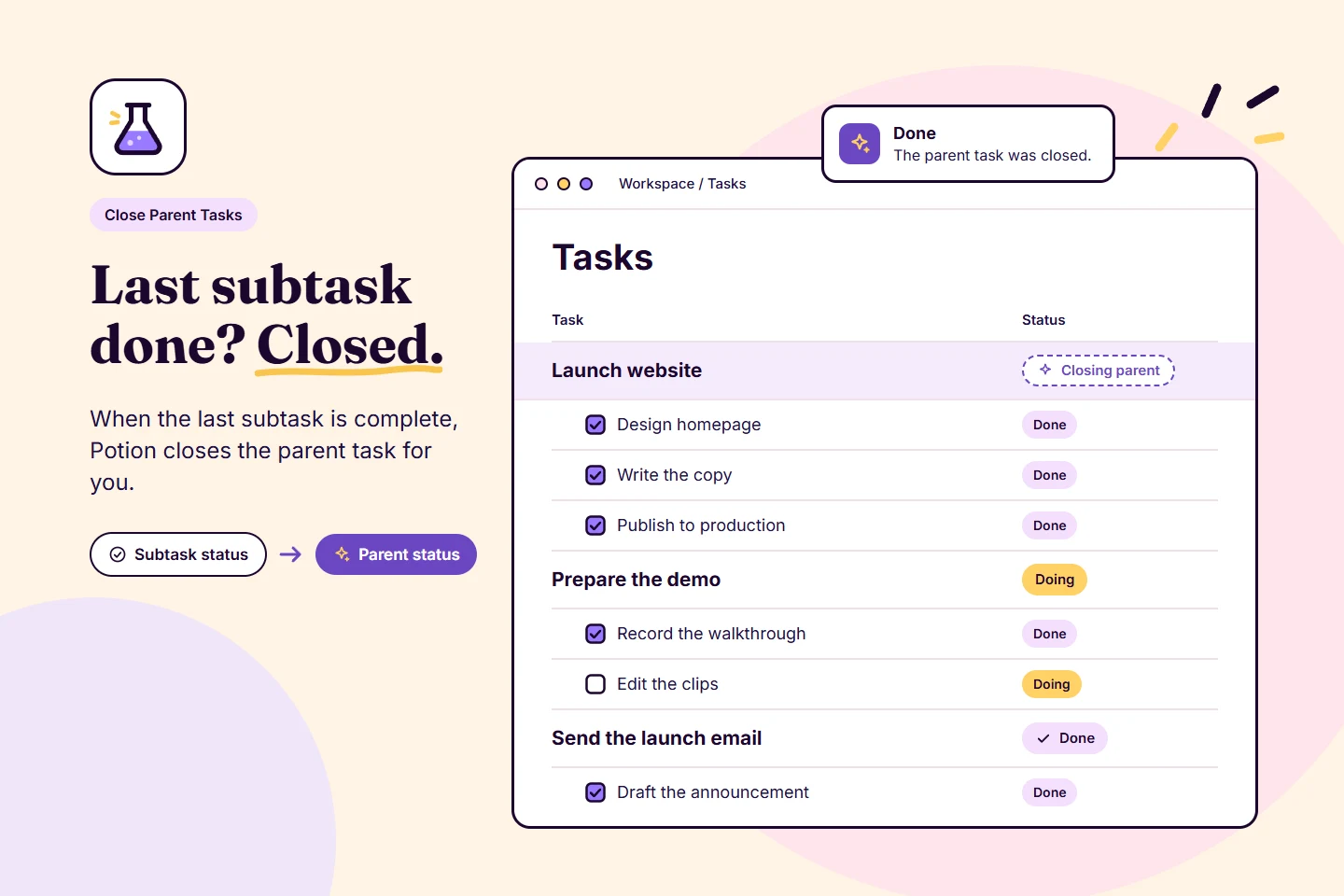
Notion has no single setting for it: native automations can edit related pages in some workflows, but checking that every sub-task is done usually takes rollups and a careful setup. The Close Parent Tasks potion watches your sub-tasks and sets the parent task to done as soon as the last one is complete. If a sub-task is reopened, it can move the parent back.
A Notion database with a status property and a relation connecting sub-tasks to their parent tasks.
When a sub-task changes, Potion checks its task family and updates the parent when all sub-tasks are complete. It can reopen the parent when work resumes.
Close a milestone as soon as all its tasks ship.
Mark an article done once writing, editing, and publishing are done.
Complete an onboarding when every step is checked off.
Notion database automations support related-page actions in some workflows. Check whether a native automation fits your database before installing an external automation.
Potion can reopen the parent when work resumes, keeping the parent status aligned with its sub-tasks.
Yes. It works with any database that has a status property and a relation between sub-tasks and their parent, including Notion’s built-in sub-items.
Close Parent Tasks runs on Potion’s plans. Your first 100 runs are free, with no card needed, then paid plans start at $10 a month billed yearly. A run is one successful execution of a potion on a Notion page.
See Notion’s guide to database automations for current native features.
Updated