Equipment inventory
Stick labels that open each item’s Notion page.

Create scannable QR codes from links stored in Notion. Potion generates the image in the color and format you choose and adds it to the page.
One click to install.
No code or API keys to manage.
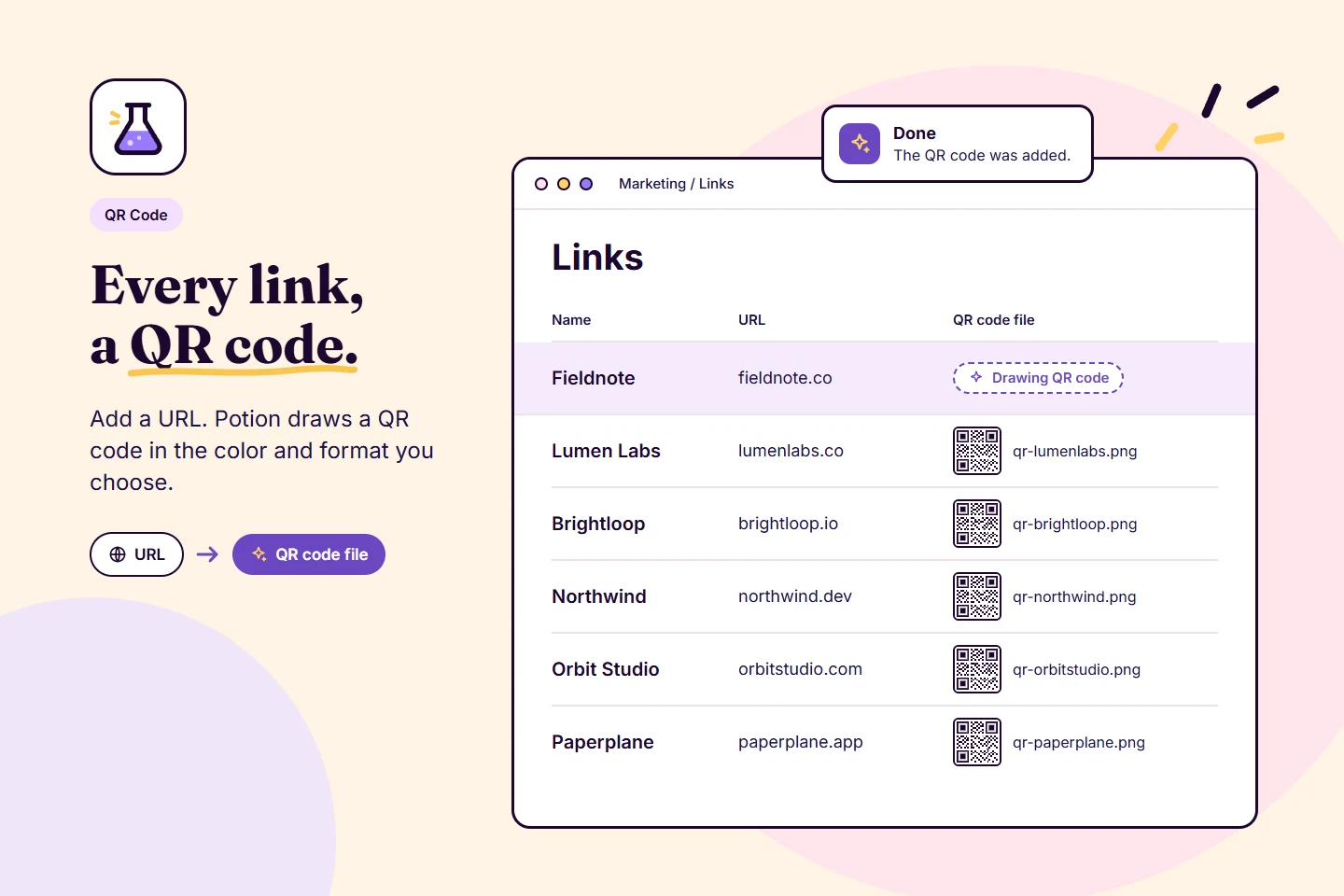
Install the QR Code potion on a database with a URL property. Potion turns each URL into a QR code image in the color and format you pick, and adds it to a files property, the page cover, or both. Put a page’s own link in the URL property to print labels that open that page.
A Notion database with a URL property and, optionally, a files property.
Runs when a page is created or its URL changes. Choose image color, format, and destination during setup.
Stick labels that open each item’s Notion page.
Print codes that lead to a sign-up form or a menu.
Generate one code per campaign URL.
Choose a files property, the page cover, or both during setup.
Yes. Select the QR code color and image format during setup.
No. You would create each code on a separate website, then upload it to the page.
No. Each QR code holds the URL itself, so it works as long as the link does.
QR Code runs on Potion’s plans. Your first 100 runs are free, with no card needed, then paid plans start at $10 a month billed yearly. A run is one successful execution of a potion on a Notion page.
Updated