Sales CRM
Spot clients and prospects at a glance in board, list, and gallery views.

Add company logos to Notion from a website URL. Potion finds each company logo and sets it as the page icon in your Notion database.
One click to install.
No code or API keys to manage.
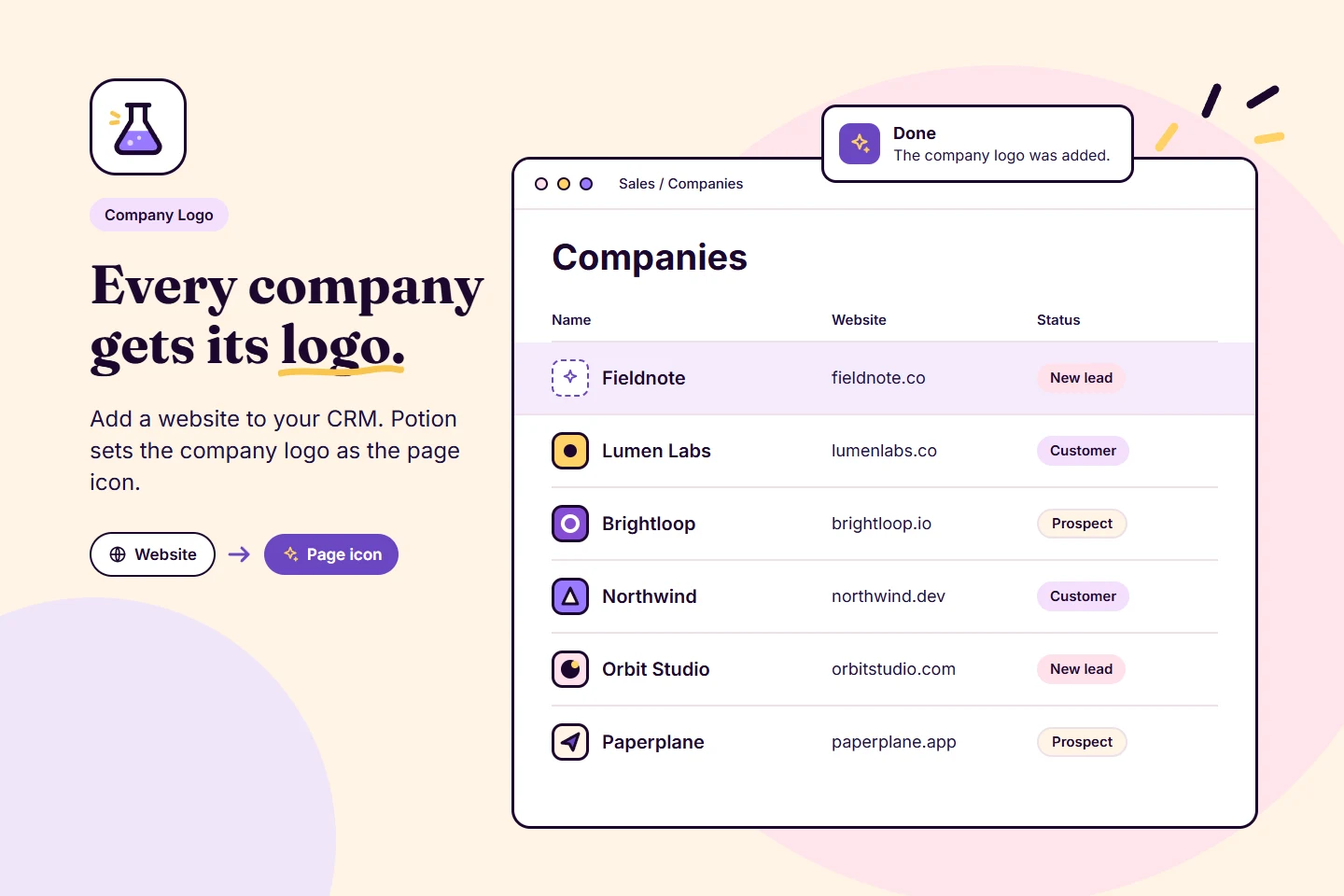
Install the Company Logo potion on your Notion database and select the property holding each company’s website URL. Potion finds the company logo and sets it as the page icon, on new pages and whenever the URL changes. No code, no Zapier, and no API key to manage.
A Notion database with a URL property containing each company’s website.
Runs when a page is created or its website URL changes. You can also choose to process existing pages when you install it.
Spot clients and prospects at a glance in board, list, and gallery views.
Recognize every partner, fund, or supplier in linked databases.
See each company you applied to by its logo.
It reads the website URL you select and sets the matching logo as that Notion page’s icon.
Yes. Choose whether to process existing pages during installation. Each processed page uses one run.
No. Notion does not fetch logos from a website, so you either upload each one by hand or build a Zapier or Make scenario around a logo API. Potion does it in one click.
Company Logo runs on Potion’s plans. Your first 100 runs are free, with no card needed, then paid plans start at $10 a month billed yearly. A run is one successful execution of a potion on a Notion page.
Updated