Personal CRM
Recognize people at a glance in your relationship tracker.

Make a contacts database easier to scan. Potion looks up the public avatar of each email address and sets it as the contact’s Notion page icon.
One click to install.
No code or API keys to manage.
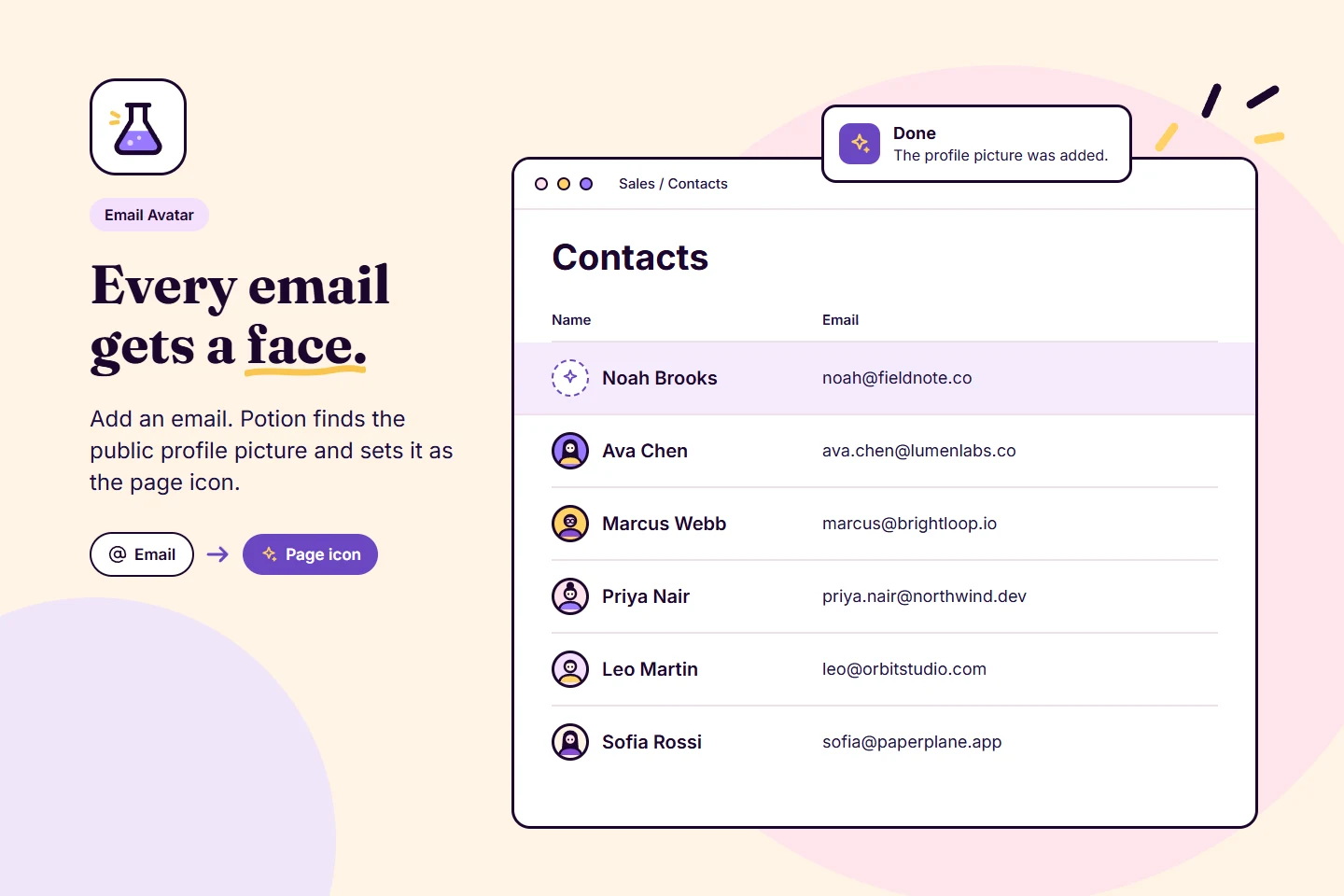
Install the Email Avatar potion and select your email property. Potion looks up the public avatar tied to each address on Gravatar and Libravatar and sets it as the contact’s page icon, so your contacts database shows faces instead of blank icons.
A Notion database with an email property.
Runs when a page is created or its email address changes. You can optionally process existing contacts during setup.
Recognize people at a glance in your relationship tracker.
Show colleagues’ faces in a Notion team wiki.
Put a face on members who signed up with their email.
No. Potion can only use a public avatar when one is available for that address.
Potion tracks the icons it sets and avoids replacing icons that were chosen separately.
From Gravatar and Libravatar, the public avatar services tied to email addresses.
No. Notion shows pictures for workspace members only, not for email addresses stored in a database.
Email Avatar runs on Potion’s plans. Your first 100 runs are free, with no card needed, then paid plans start at $10 a month billed yearly. A run is one successful execution of a potion on a Notion page.
Updated