Creator and influencer lists
Recognize every creator in your partnership gallery.

Make contact records recognizable at a glance. Potion reads a social profile link and adds the available profile picture as the Notion page icon.
One click to install.
No code or API keys to manage.
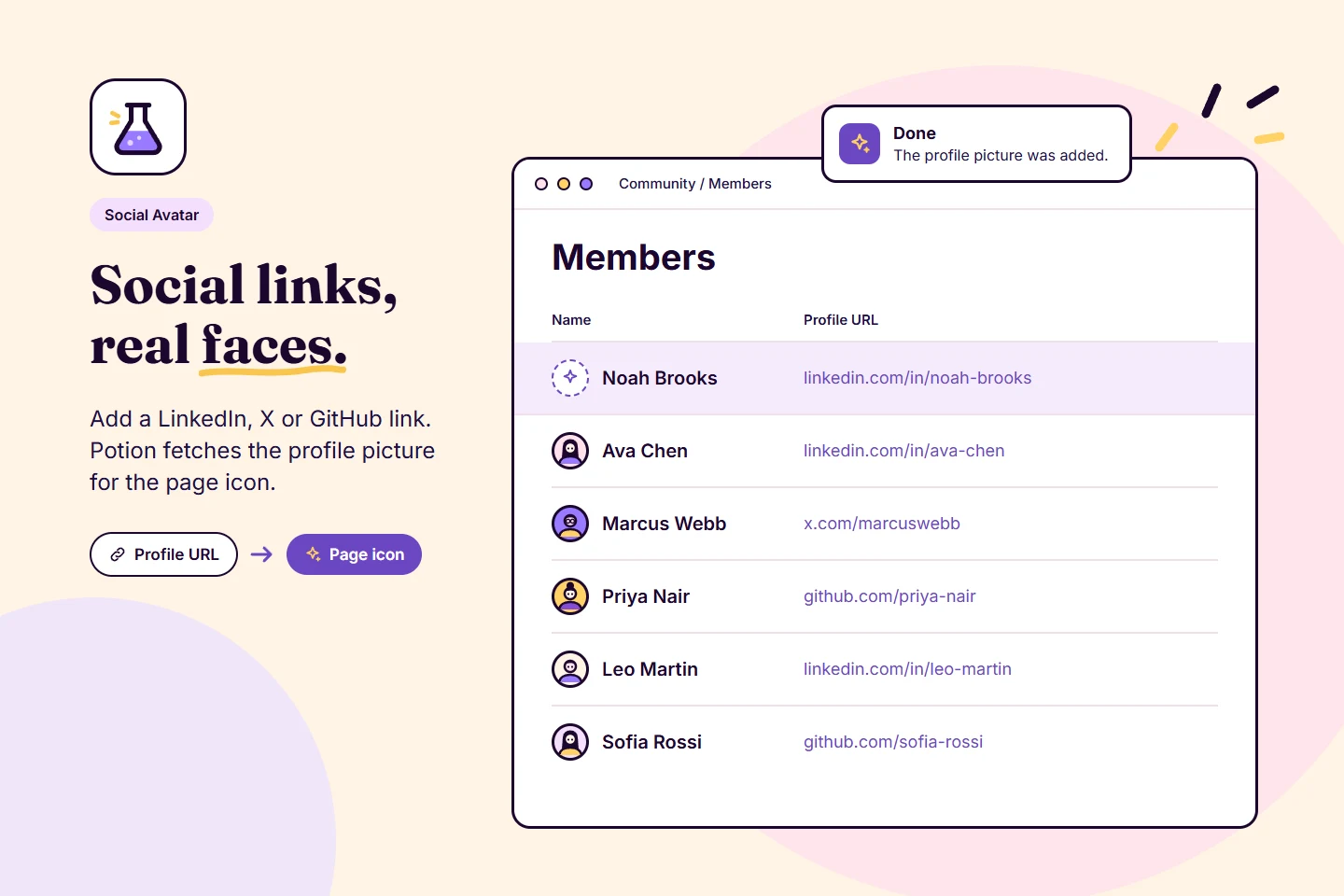
Store each contact’s LinkedIn, X, GitHub, or other supported profile URL in your Notion database, then install the Social Avatar potion. Potion fetches the public profile picture and sets it as the page icon, on new pages and whenever the link changes.
A Notion database property containing supported social profile URLs.
Runs when a page is created or the profile URL changes. Existing contacts can be processed during setup.
Recognize every creator in your partnership gallery.
Put a face on each candidate from their profile link.
See who is who in your event planning databases.
Potion supports common public profile links such as LinkedIn, X, and GitHub. Availability depends on the profile source.
Yes. Potion avoids replacing icons it did not set.
No. Notion does not turn a profile link into a page icon, so each picture would be copied by hand.
Social Avatar runs on Potion’s plans. Your first 100 runs are free, with no card needed, then paid plans start at $10 a month billed yearly. A run is one successful execution of a potion on a Notion page.
Updated