Prospecting lists
Complete the leads you collect in Notion before reaching out.

Stop copying emails by hand. Potion finds the professional email of each contact and fills the email property of its Notion page.
One click to install.
No code or API keys to manage.
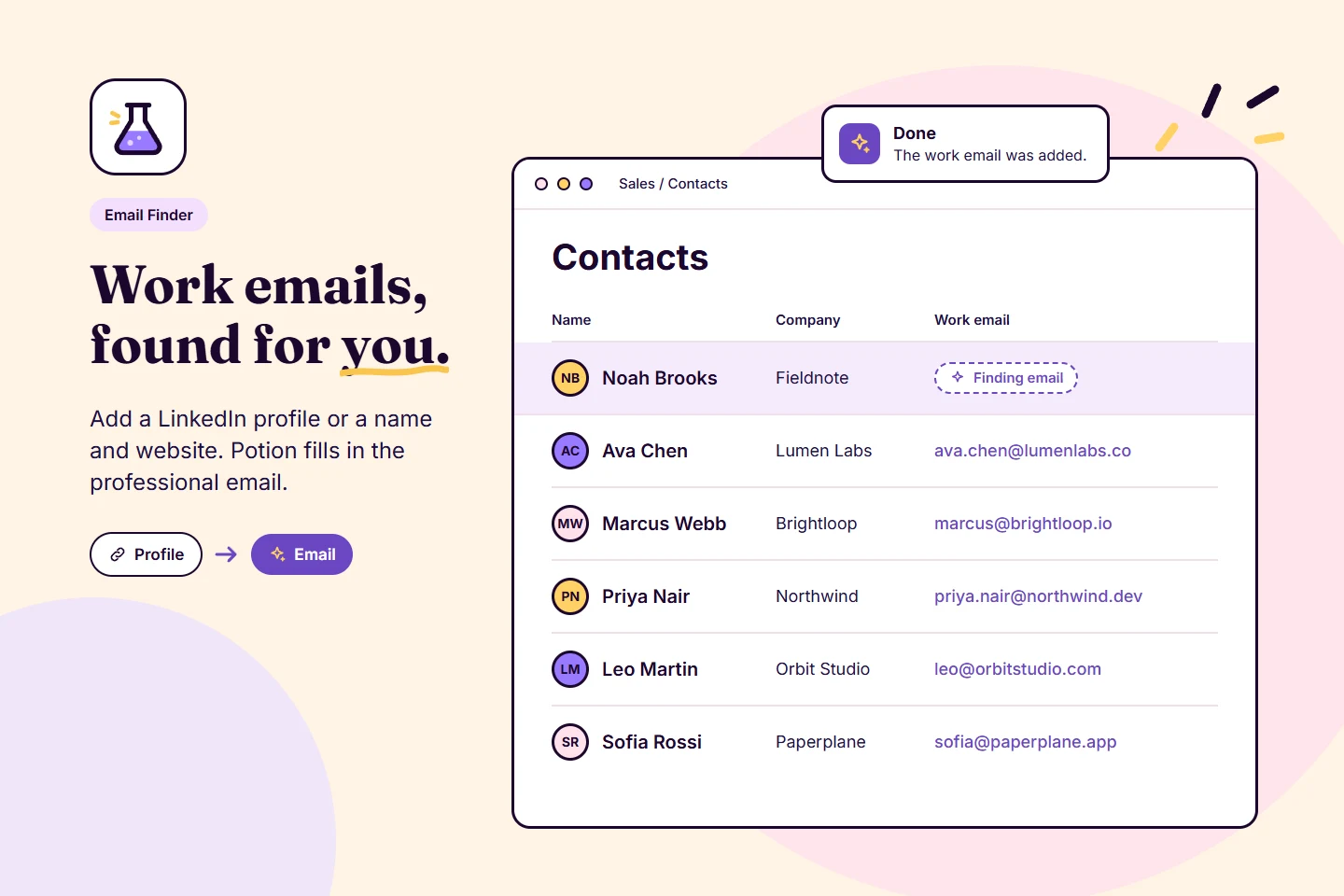
Install the Email Finder potion on your contacts database. From a LinkedIn profile URL, or from a name and a company website, Potion looks up the professional email address and writes it to the email property. It only fills empty emails, and only pages that get an email count as a run.
A Notion database with an email property and either a LinkedIn URL property, or a name and a website property.
Runs when a page is created or its inputs change. An email already on the page is never replaced, and a contact without a known email is left as it is.
Complete the leads you collect in Notion before reaching out.
Contact candidates you sourced on LinkedIn.
Find the right contact at each company on your list.
No. Potion only fills an empty email property.
No. Only pages that get an email count as a run.
No. You would search each email by hand or connect a separate enrichment tool through Zapier or Make.
Email Finder runs on Potion’s plans. Your first 100 runs are free, with no card needed, then paid plans start at $10 a month billed yearly. A run is one successful execution of a potion on a Notion page.
Updated