Notes and docs
Tell notes apart at a glance in long lists.

Keep a database easy to scan as it grows. Potion reads each page title and generates a fitting emoji icon, so you never pick one by hand.
One click to install.
No code or API keys to manage.
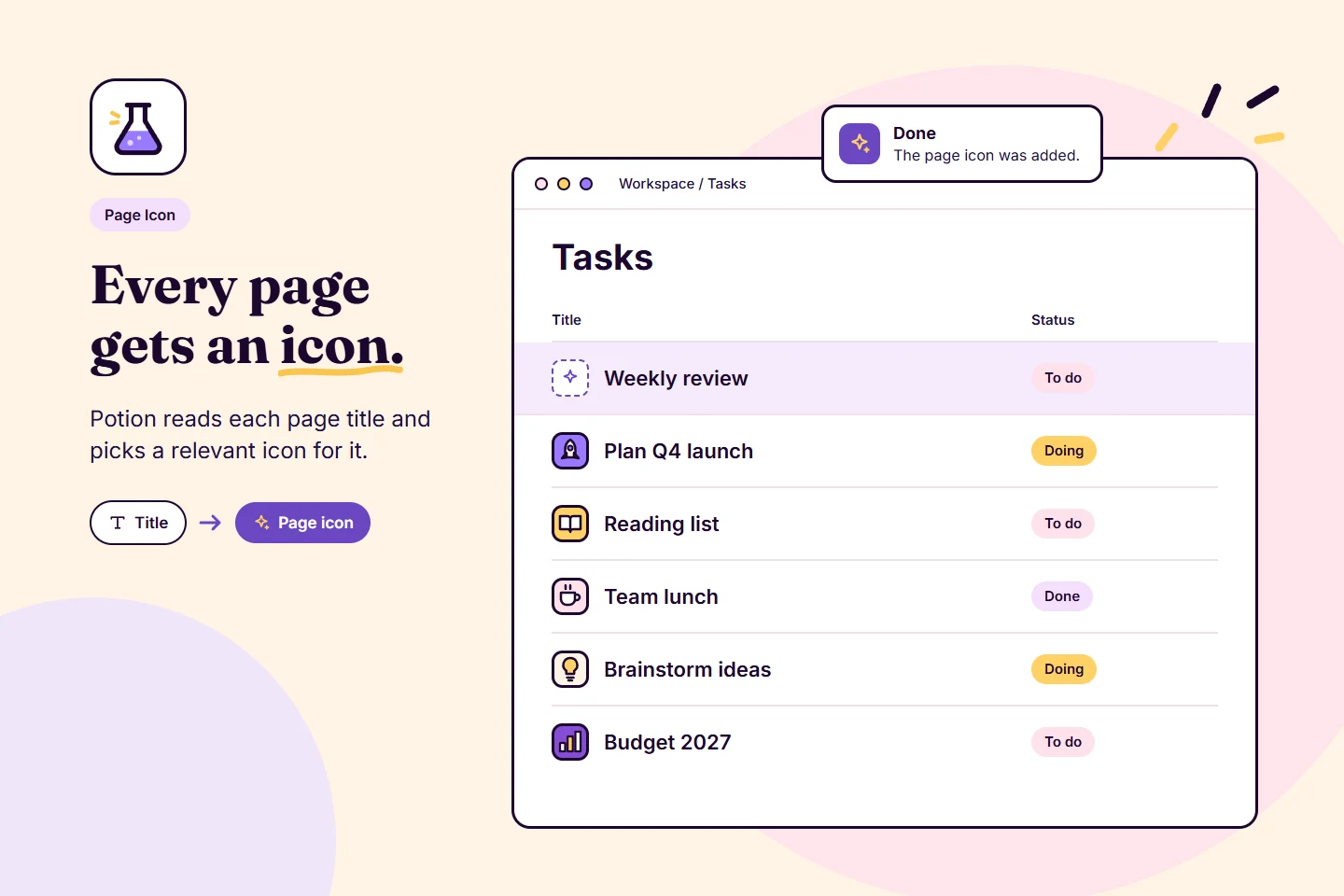
Yes. The Page Icon potion reads each page title and uses an AI model to pick a fitting emoji among those Notion accepts, then sets it as the page icon when a page is created or renamed. Icons you choose yourself are never replaced.
A Notion database. No extra property is required.
Runs when a page is created or renamed. It updates icons set by Potion when the title changes, while preserving icons chosen by a person.
Tell notes apart at a glance in long lists.
Give each project a visual marker without picking one.
Make galleries and boards easier to scan.
No. Potion remembers which icons it set and leaves other icons alone.
Yes. Choose existing pages during setup; each processed page counts as a run.
Notion’s Add icon button picks a random emoji. It does not choose one that matches the page title.
Page Icon runs on Potion’s plans. Your first 100 runs are free, with no card needed, then paid plans start at $10 a month billed yearly. A run is one successful execution of a potion on a Notion page.
Updated