Design inspiration
Build a visual moodboard of reference websites.

See any website at a glance in Notion. Potion captures a screenshot of each website URL and stores it where you choose, for bookmarks, references, or research pages.
One click to install.
No code or API keys to manage.
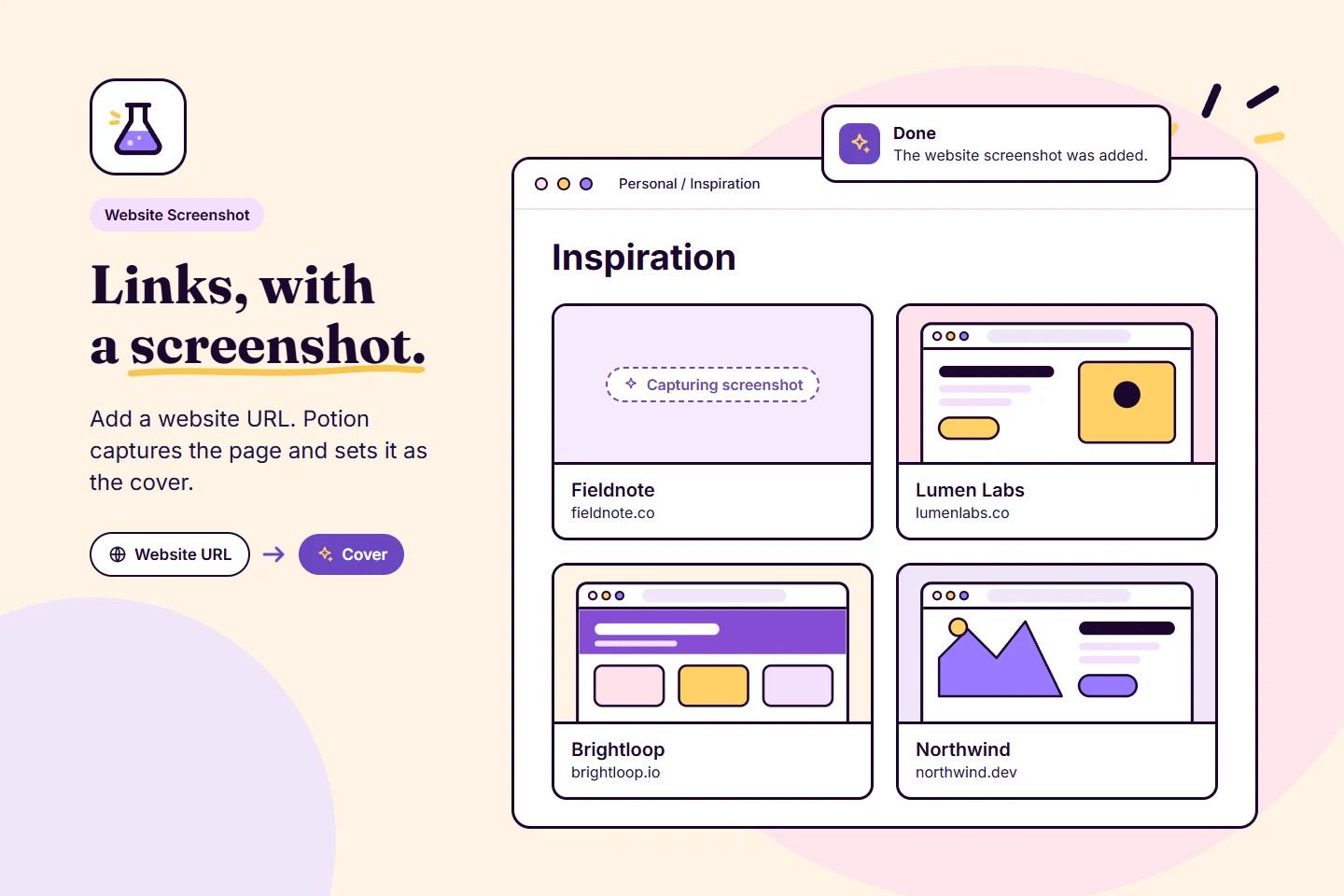
Install the Website Screenshot potion on a database with a URL property. Potion opens each website, captures a screenshot, and saves it as the page cover, in a files property, or both, on new pages and whenever the URL changes.
A Notion database with a URL property and, optionally, a files property.
Runs on new pages and when the website URL changes. Existing pages can be included during setup.
Build a visual moodboard of reference websites.
Keep a visual of each competitor’s homepage.
Recognize saved links at a glance in gallery view.
Choose the page cover, a files property, or both during installation.
Yes. Select existing pages during setup; each processed page counts as a run.
No. A web bookmark shows a small preview, but Notion does not capture a screenshot into a page cover or files property.
Website Screenshot runs on Potion’s plans. Your first 100 runs are free, with no card needed, then paid plans start at $10 a month billed yearly. A run is one successful execution of a potion on a Notion page.
Updated