Multi-currency budget
Compare expenses made abroad in your own currency.

Keep a converted value beside the original amount in a finance, sales, or expense database. Potion converts each amount with the daily exchange rate.
One click to install.
No code or API keys to manage.
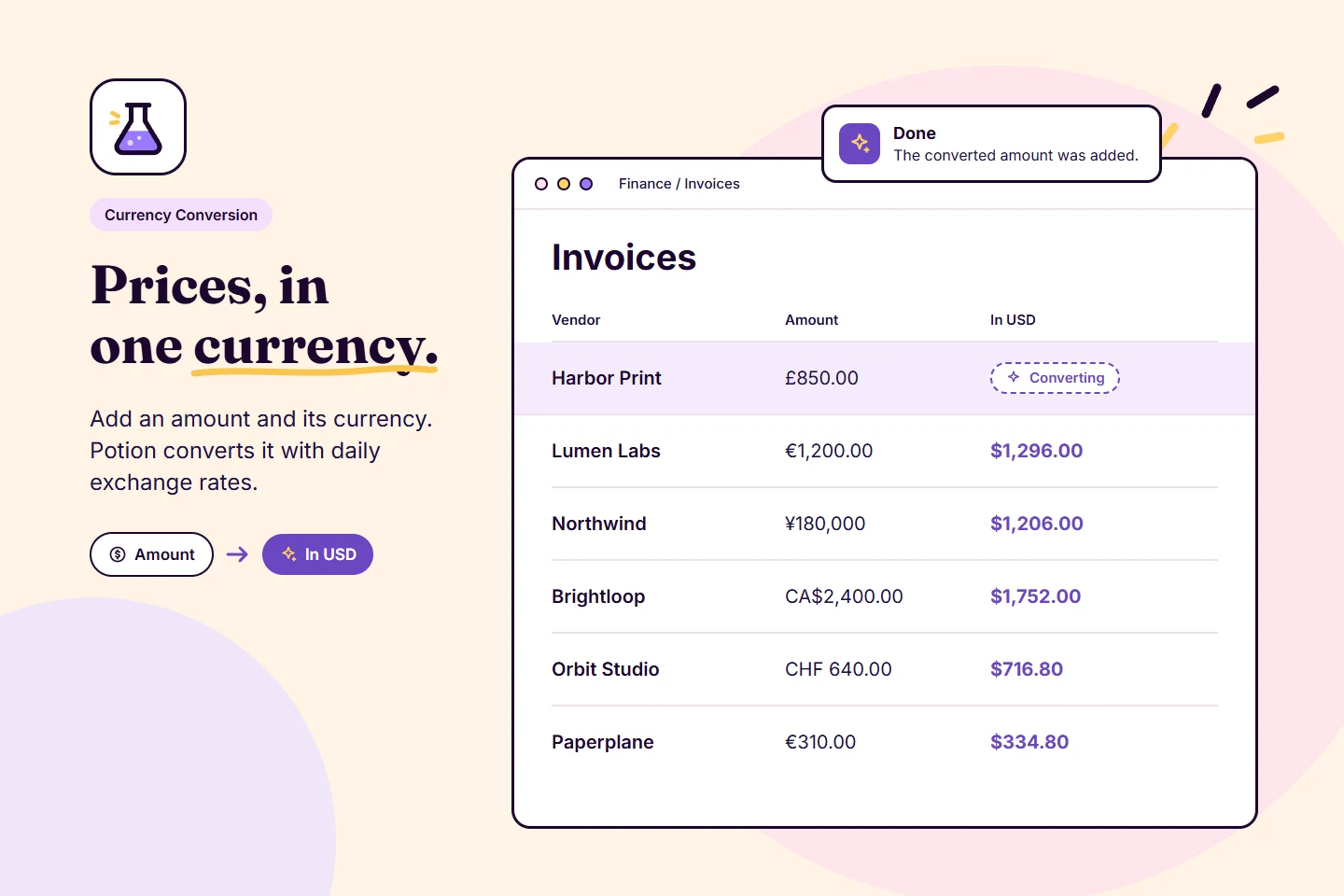
Notion formulas cannot fetch exchange rates, so rates are usually typed by hand. The Currency Conversion potion converts each amount from the source currency to the target currency with the daily reference rate of the European Central Bank, and writes the result to a number property whenever the amount changes.
A Notion database with an amount property and a destination number property. Select the source and target currencies during setup.
When the amount changes, Potion writes the converted value using the rate of the day.
Compare expenses made abroad in your own currency.
Track revenue billed in other currencies.
Sum deal values in a single currency.
It uses the exchange rate of the day, not a guaranteed real-time trading quote.
Potion writes the converted value to a separate number property you select.
No. A number property can display a currency format, but Notion does not convert amounts or fetch exchange rates.
From the daily reference rates published by the European Central Bank.
Currency Conversion runs on Potion’s plans. Your first 100 runs are free, with no card needed, then paid plans start at $10 a month billed yearly. A run is one successful execution of a potion on a Notion page.
Updated