Pantry inventory
Know what is in your cupboards, with its nutrition facts.

Keep a pantry, a meal plan or a food log in Notion without typing labels by hand. Potion looks up each product of your food database on Open Food Facts and writes its nutrition facts on the page.
One click to install.
No code or API keys to manage.
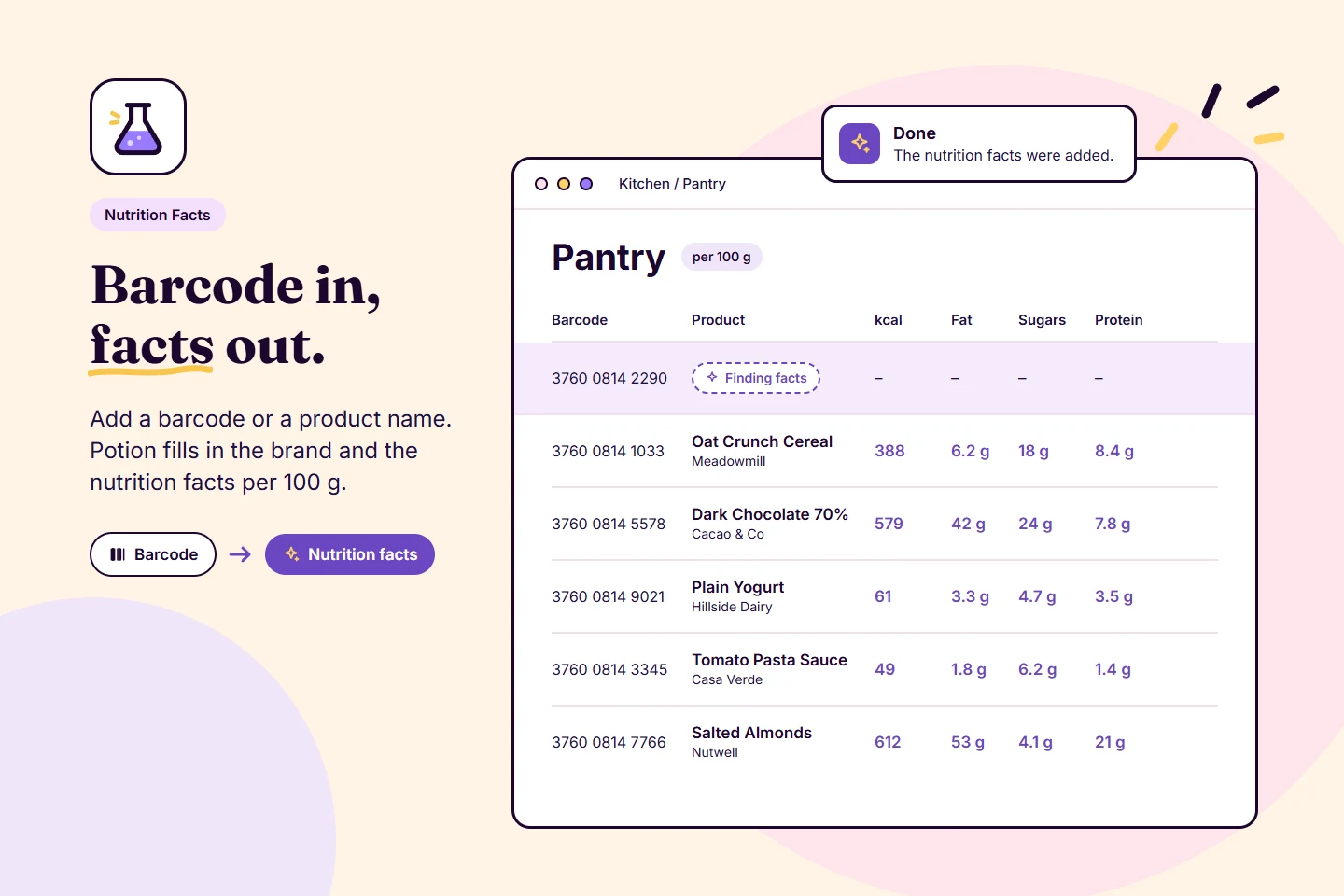
Create a Notion database with a barcode or product name property and a number property for each nutrient you want. The Nutrition Facts potion looks each product up on Open Food Facts and fills in its name, brand, calories, fat, sugars, and protein per 100 g.
A Notion database with a barcode or product name property, and a number property for each nutrition fact you want to store.
Runs when a page is created or its barcode or product name changes. Existing pages can be completed during setup, without overwriting values already filled in.
Know what is in your cupboards, with its nutrition facts.
Build meals from products whose values are already filled in.
Track what you eat without typing labels by hand.
A barcode finds the exact product. A product name works too, but Potion then takes the closest match, which can be a different product.
Potion leaves the page as it is. Values Open Food Facts does not know for a product stay empty.
No. Notion does not read barcodes or fetch product data, so nutrition facts would be typed from each label.
From Open Food Facts, a collaborative and open database of food products from around the world.
Nutrition Facts runs on Potion’s plans. Your first 100 runs are free, with no card needed, then paid plans start at $10 a month billed yearly. A run is one successful execution of a potion on a Notion page.
Updated